Tenants hear from youat the right moment.
Tenant conversations in the lease portal with email notices, automated paperwork, balance, move-in, move-out and review messages, and in-app notifications for anything due soon or overdue.
Tenants ask the same questions before every lease, reminders go out late or not at all, and messages are split across marketplaces, texts and email. Meanwhile overdue service and expiring permits wait for someone to notice.
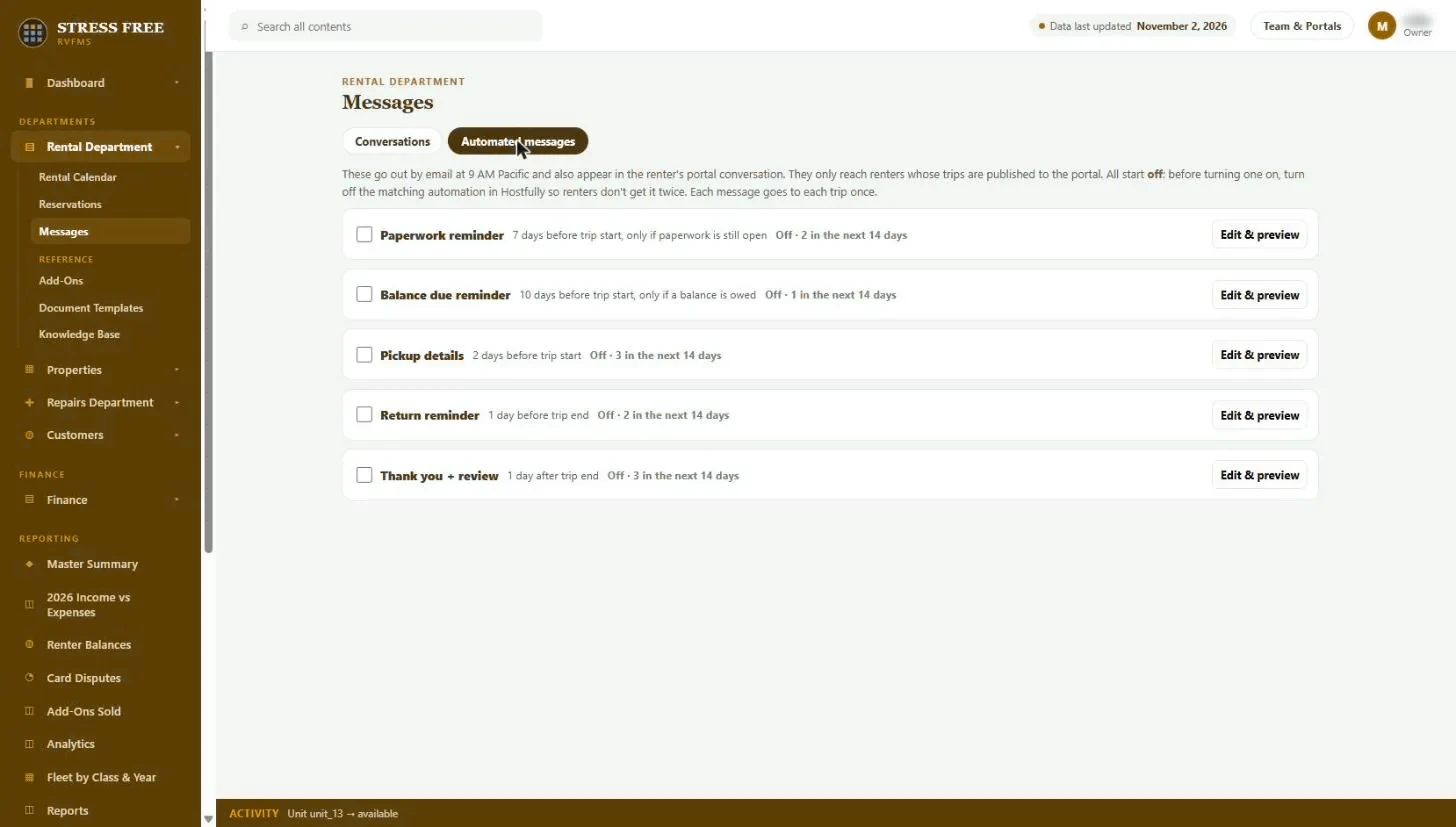
Every lease has a conversation in the tenant portal. Tenants message you there, and your replies email them a notice. Automated messages go out on schedule: paperwork reminders, balance due reminders, move-in details, move-out reminder and a thank-you with a review request, each sent once per lease and previewed before you turn it on. In-app notifications collect everything due soon or overdue across the portfolio.
Capabilities
- Tenant conversations in the lease portal, with email notices
- Automated messages: paperwork, balance due, move-in details, move-out reminder, thank you and review
- Edit and preview every message before it goes out
- Each message sent once per lease, on a set schedule
- Booking message history from connected platforms
- In-app notifications for due-soon and overdue items
What you get back
Fewer repeat questions
Tenants get the details before they think to ask.
Paid and signed on time
Reminders go out without anyone remembering to send them.
Better reviews
Every move-outs with a thank-you and a review request.
Messaging and notifications: FAQ
Does LANDLORDms send text messages?
Messages go to the tenant portal and by email today. Two-way text messaging is on the roadmap.
Will tenants get duplicate messages from my booking platform?
Each automated message starts switched off, so you can turn off the matching message in your other platform first.
See it with your own portfolio.
We will walk through messaging and notifications using your properties, your channels and the way you already work.